An expired event date can make a working business look unattended. Before the next season, check the pages customers will reach from search, old emails, and saved links, not just the homepage.
Keep the recurring page; update the changing facts
A repeating event or seasonal service may deserve a stable page. Review the date, hours, availability, instructions, and contact path before promoting it again. Remove an expired offer if it no longer applies.
Keep past reports or photographs when they have a purpose, but label the year. A visitor should not have to infer whether a price, schedule, or registration instruction still applies.
Make promotions agree across channels
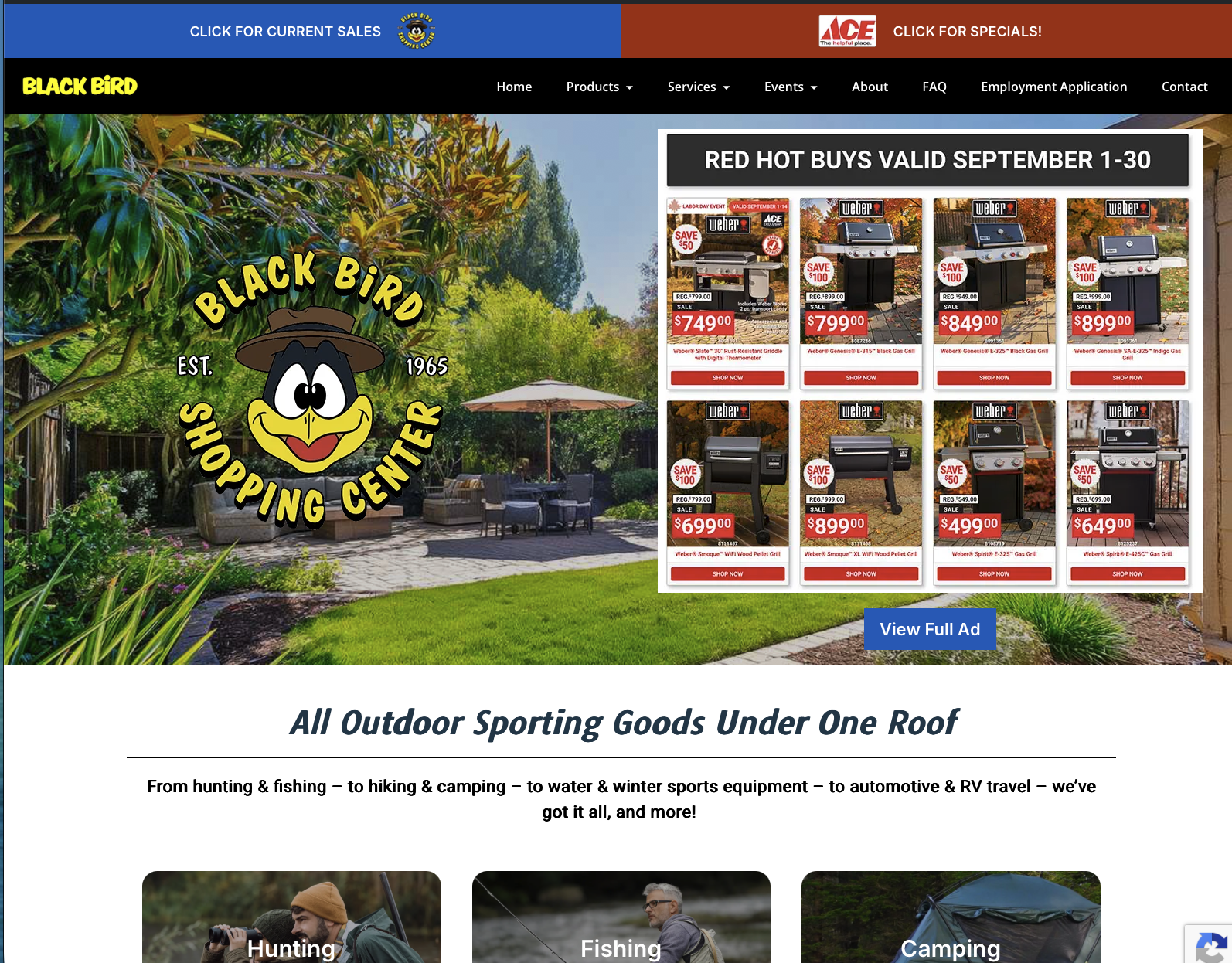
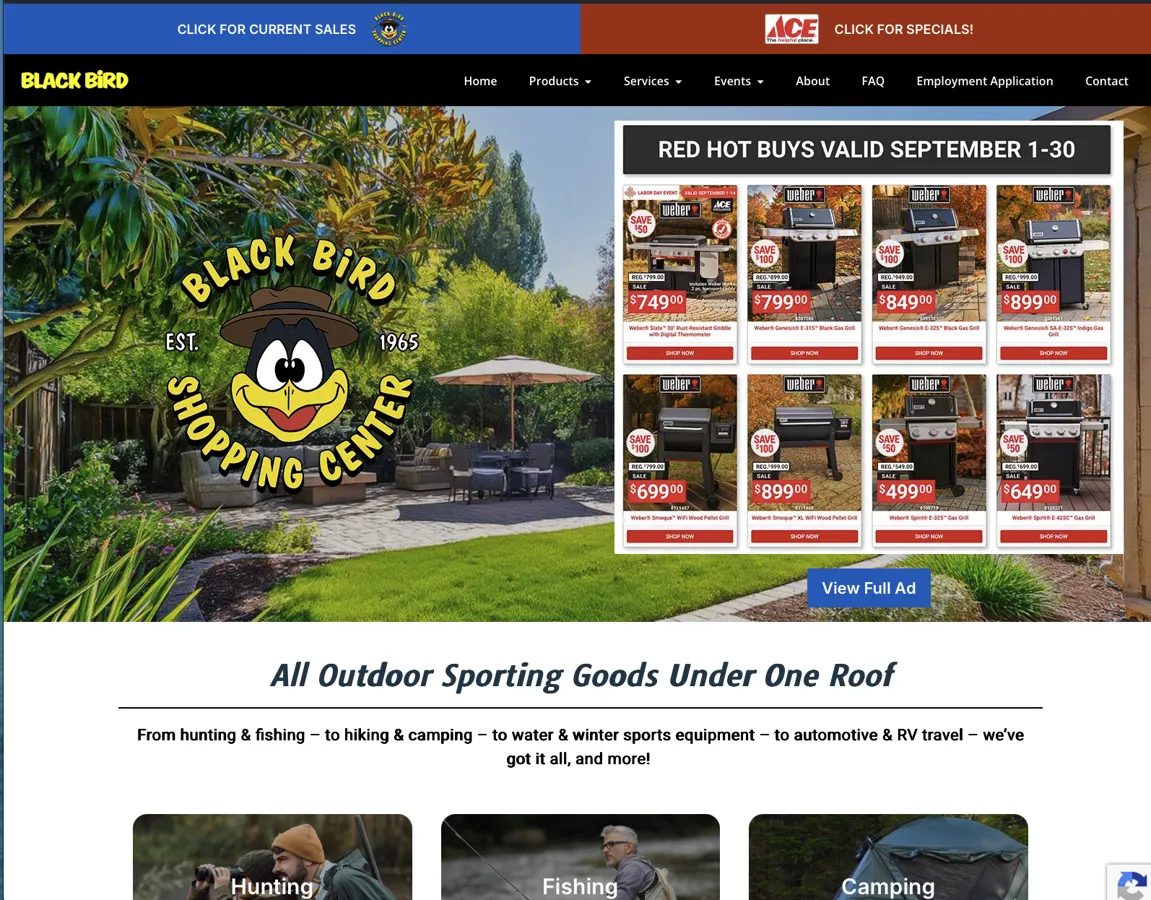
The Black Bird uses its website for sales, departments, and events, alongside newsletter work. That creates several places where a seasonal message has to agree.
For your own promotion, check the email subject, destination page, dates, and the action visitors take. If an email promotes an event, link to the event information rather than asking the customer to find it from a general homepage.
Decide what happens when the event ends
Replace the booking or registration instruction with the current status. If the page still serves visitors, retain useful details and explain what happens next. If it is being replaced, direct old links to the closest relevant page.
Do not send every retired page to the homepage. Someone following a saved event link needs to recognize where they have arrived.
Compare matching periods
Seasonal traffic can rise without a website improvement and fall without a technical fault. Record what changed, then compare sensible periods with the season in mind. Keep campaign visits, inquiries, and completed bookings separate.
Our website support can include content updates and publishing tools so these changes have an owner and a repeatable process.
Example: closing this year’s event page
Suppose a store runs an annual fishing event. After registration closes, the page should say that registration is closed, retain the event date, and explain where participants can find results. Remove the active registration instruction. If next year’s date is undecided, say that rather than leaving this year’s date beside a “Register” button.
A recurring event overview and a dated results page can serve different purposes. Keep the overview current; keep last year’s results clearly dated. A newsletter sent months ago may still bring readers to either page. Test those old links before replacing or deleting anything.
This is an example publishing workflow. The Black Bird’s website and event software show why event information matters to a retailer; the exact update schedule should follow the store’s approved dates.

I run Good Creations in Grants Pass. I work directly with business owners on website design, content, and search. My work includes service writing, inventory websites, and custom publishing tools.
Meet Bob ↗