A website report can contain a lot of numbers and still leave the owner unsure what happened. Start by separating discovery, visits, contact actions, and actual inquiries. Each answers a different question.
Search impressions and clicks
An impression means a result was counted as shown under the search platform’s reporting rules. It is not a unique person or a visit. A click records someone following a search result, not becoming a customer.
Average position summarizes the positions counted across searches; it is not a promise that everyone saw the same ranking. Review the query, landing page, period, and device context before interpreting it.
A real report needs a date and a definition
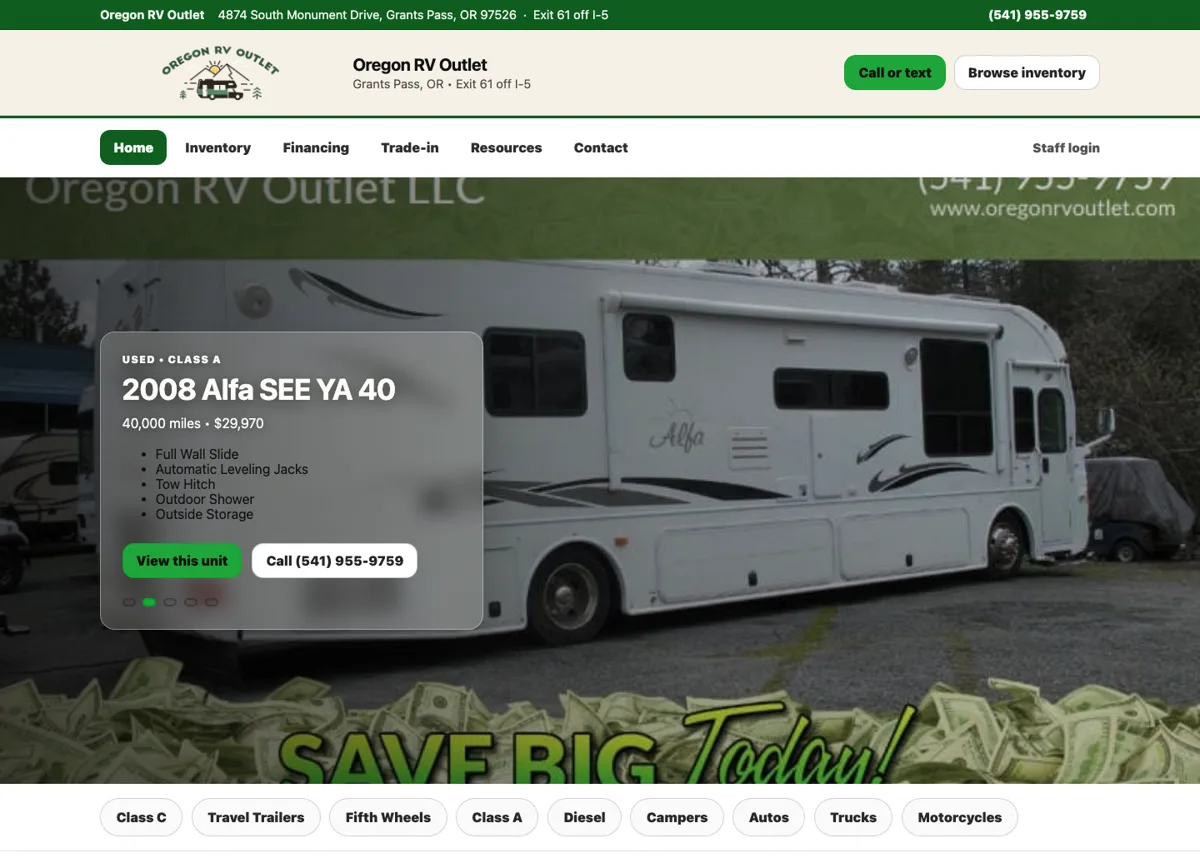
Our Oregon RV Outlet case study reports search evidence for a stated period. The figures sit alongside the website features and performance checks. They are not labeled as vehicles sold.
When comparing periods, note advertising, seasonality, outages, and changes to the site. A rise after an edit is an observation. It does not establish that the edit alone caused it.
Contact actions are not completed inquiries
A phone-link tap does not establish that a call connected. A Submit click does not establish that a message was saved or delivered. Count those events separately.
For a form, reconcile the success event with the actual inquiry record. If the records disagree, investigate the tracking or delivery before using the total in a results claim. Keep personal customer details out of public reporting.
Connect the report to a decision
A page getting relevant impressions but few visits may need its title and match to the search reviewed. A page getting visits but confusing inquiries may need a better service explanation. Neither diagnosis should come from one number alone.
Use the monthly review checklist to keep the same definitions and context from one report to the next.
An example calculation, with its limits
Suppose a report shows 2,000 search impressions and 40 clicks for one page. Its click-through rate is 2 percent: 40 divided by 2,000. Those are illustrative numbers. They do not tell you how many distinct people saw the result or how many became customers.
If the same period contains three saved inquiries, do not automatically attribute all three to those 40 search clicks. Some inquiries may have come from referrals, email or a direct visit. Attribution needs its own evidence.
Compare the same page, search type and date range. Look at the queries as well as the total: a relevant local service search is a different opportunity from a broad informational search. Use the monthly reporting worksheet to record what changed and what the numbers can actually support.

I run Good Creations in Grants Pass. I work directly with business owners on website design, content, and search. My work includes service writing, inventory websites, and custom publishing tools.
Meet Bob ↗