A product name and photo introduce the item. They do not necessarily tell the shopper whether it will fit, what comes with it, or how to order the right version. Those answers belong close to the purchase decision.
Explain the selected product and variant
Identify the item, intended use, specifications that determine fit, and included components. Make variant names meaningful and keep the displayed information consistent with the selection.
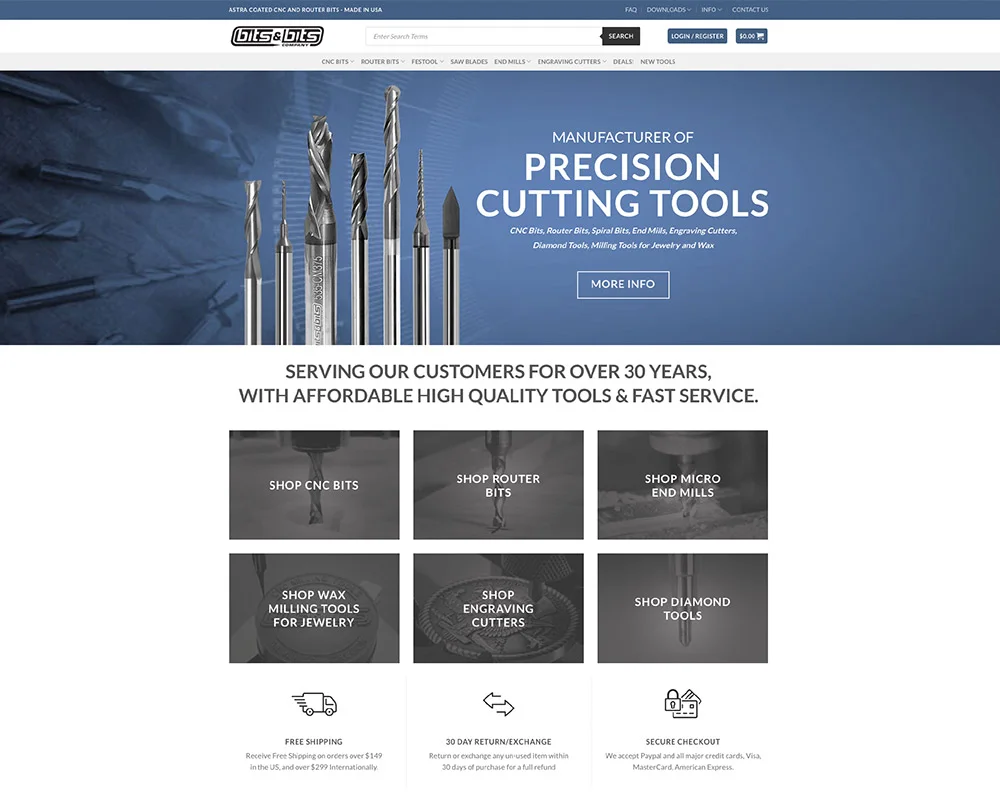
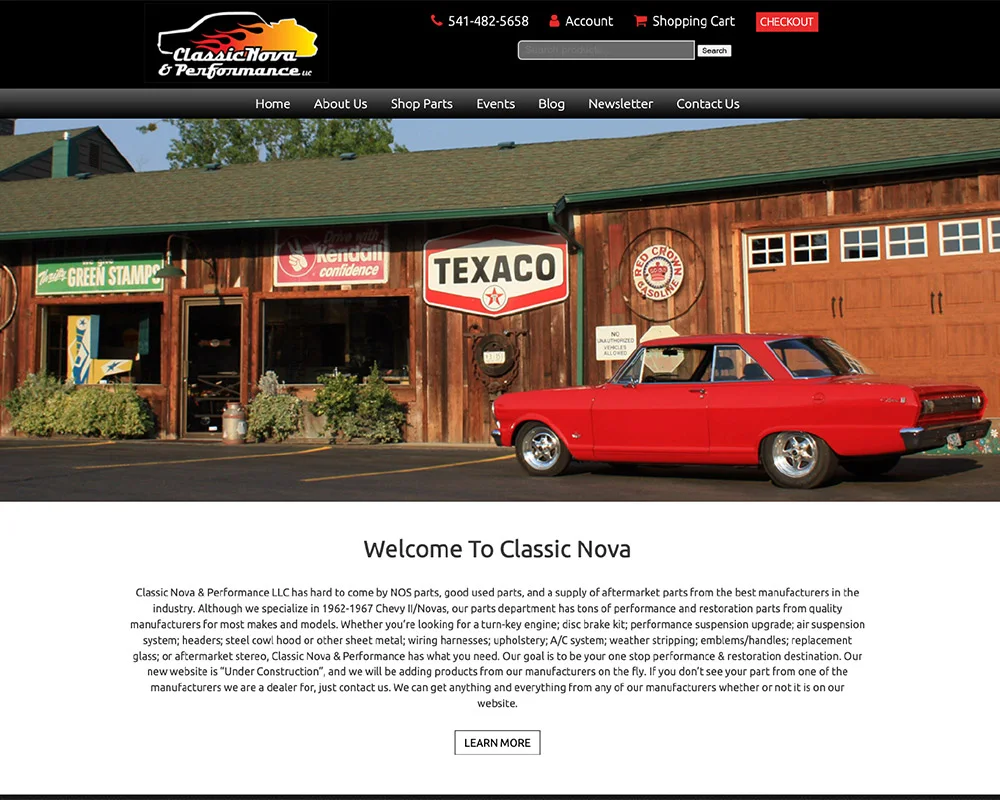
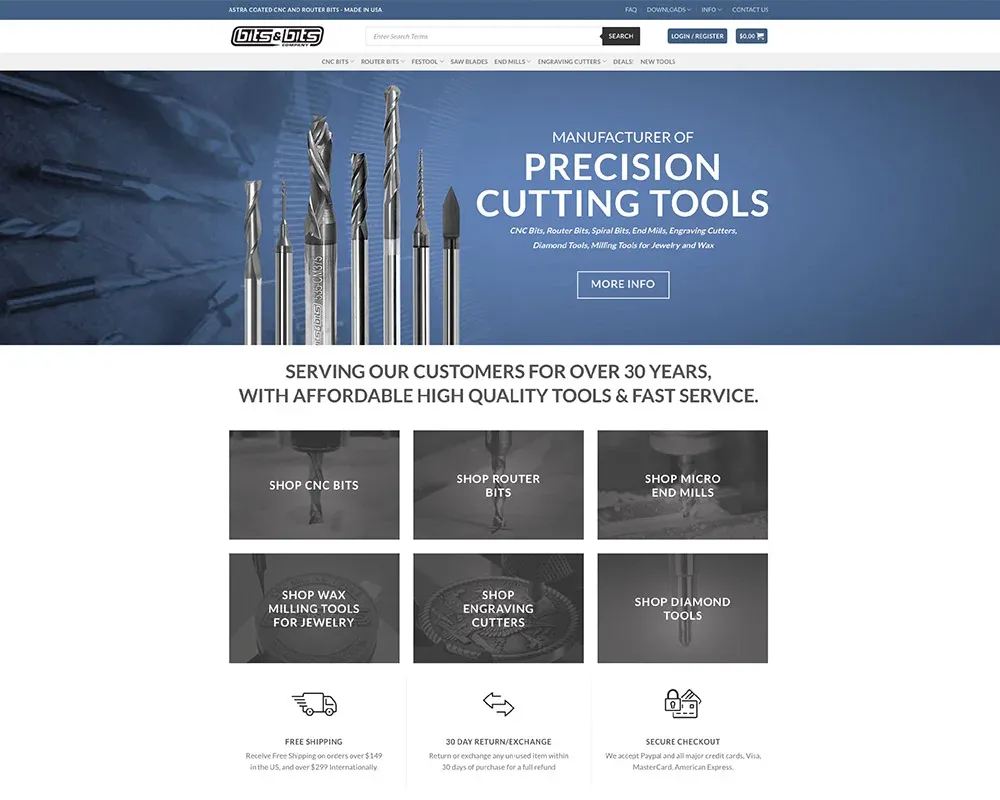
For a specialist catalog, the important difference may be technical. Our earlier Bits & Bits project presents CNC tools; Classic Nova Performance presents vehicle parts. Product organization has to reflect what those customers compare.
Include the practical buying information
State current availability and the business’s actual delivery, return, and ordering policies. If a product needs an individual discussion before purchase, explain what information to provide.
Do not reuse a broad brand description as the whole product description. It leaves the item’s distinguishing information unanswered.
Check structured information and feeds
Where product markup or a feed is used, verify that it agrees with the visible product, including changing offer details. Eligibility and required fields depend on the feature and platform. Use the current product documentation for the implementation.
Treat a working feed and a useful product page as related tasks. Neither should silently contradict the other when stock or product information changes.
Test the choice through to the result
Select the variant, follow the order or inquiry path, and check what information reaches the business. Test more than the default option.
Our ecommerce website service scopes the catalog, copy, buying flow, and maintenance responsibilities together. A product guide can support that page, but should not be the only place a buyer discovers a limitation.
Check one product all the way through
Choose a product with more than one option. Change the size or model and check the visible name, image, price and availability. Add the selection to the basket and confirm the basket describes the same item. If the product requires an inquiry instead, make sure that inquiry identifies the selection.
Then compare the visible page with any product feed or structured data used for it. A page showing one variant while its data describes another creates a factual mismatch. Use the current requirements for the destination platform rather than assuming one feed works everywhere.
For technical products, put compatibility limits close to the selection. A downloadable specification can support the explanation, but customers should not have to discover a critical restriction after submitting an order.

I run Good Creations in Grants Pass. I work directly with business owners on website design, content, and search. My work includes service writing, inventory websites, and custom publishing tools.
Meet Bob ↗